
Cards overview
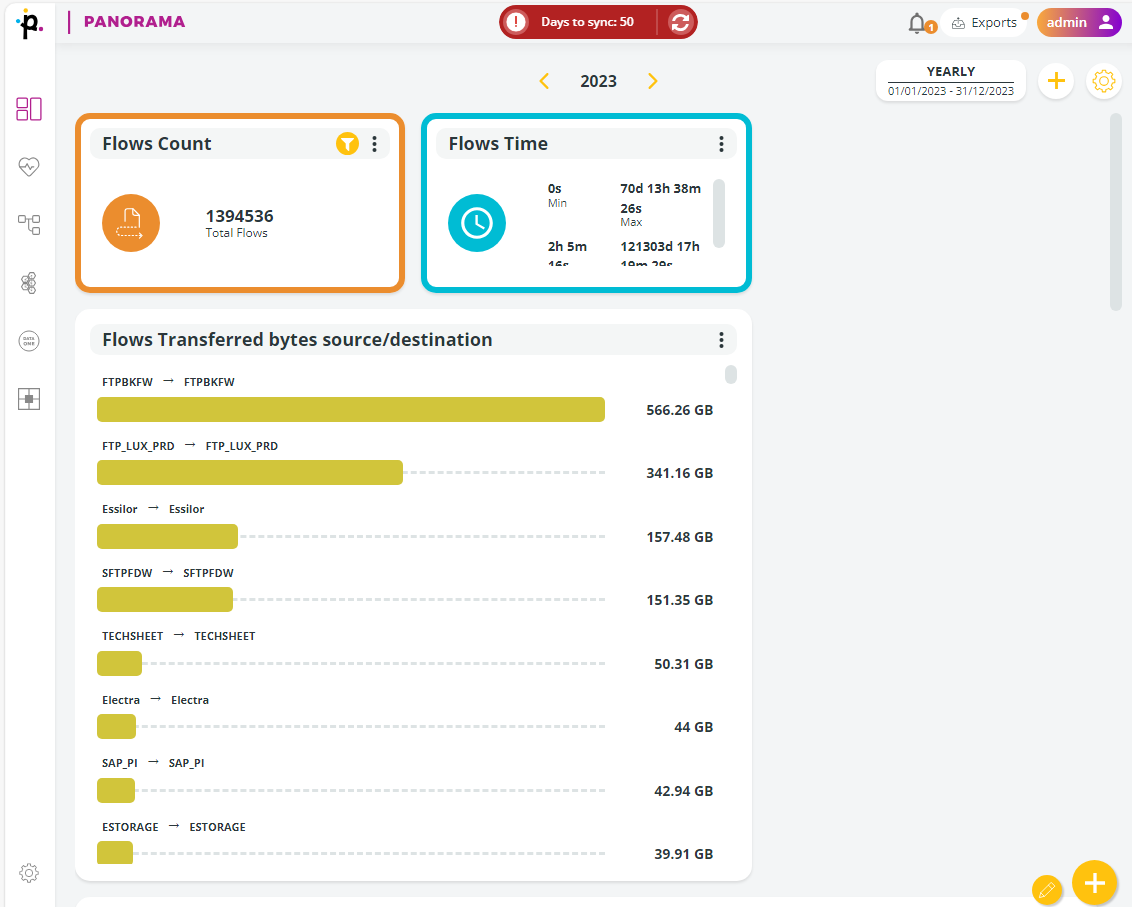
Panorama Cards are the core building blocks of every dashboard. Each Card displays Key Performance Indicators (KPIs) and data visualizations representing an aspect of your Managed File Transfer environment for a selected time interval.
Cards allow you to monitor flows, transfers, actors, contracts, or Spazio queues quickly and visually, and to build dashboards that match your operational needs.
A Card presents one specific KPI or visualization, such as:
total number of flows
number of failed transfers
file volume trends
protocol usage
Spazio queue utilization
Data One contract comparisons
Cards are added to dashboards and can be independently customized, reorganized, filtered, and removed. You can add as many cards as needed. Panorama differentiates cards of the same type by adding a sequential number at the end of the card name.
Some card categories require plugins (Data One, Spazio). Panorama automatically shows only categories available in your installation.
Primeur Panorama supports multiple card categories:
Flow Cards – KPIs and trends related to end‑to‑end dataflows
Transfer Cards – KPIs on individual file transfers
Data One Cards – Metrics related to contracts, actors, and flow volumes (if Data One plugin is installed)
Spazio Cards – Queue and node metrics for Spazio transfers (if Spazio plugin is installed)
Each card is a KPI, a value calculated using the data exposed by Data Watcher.
Last updated